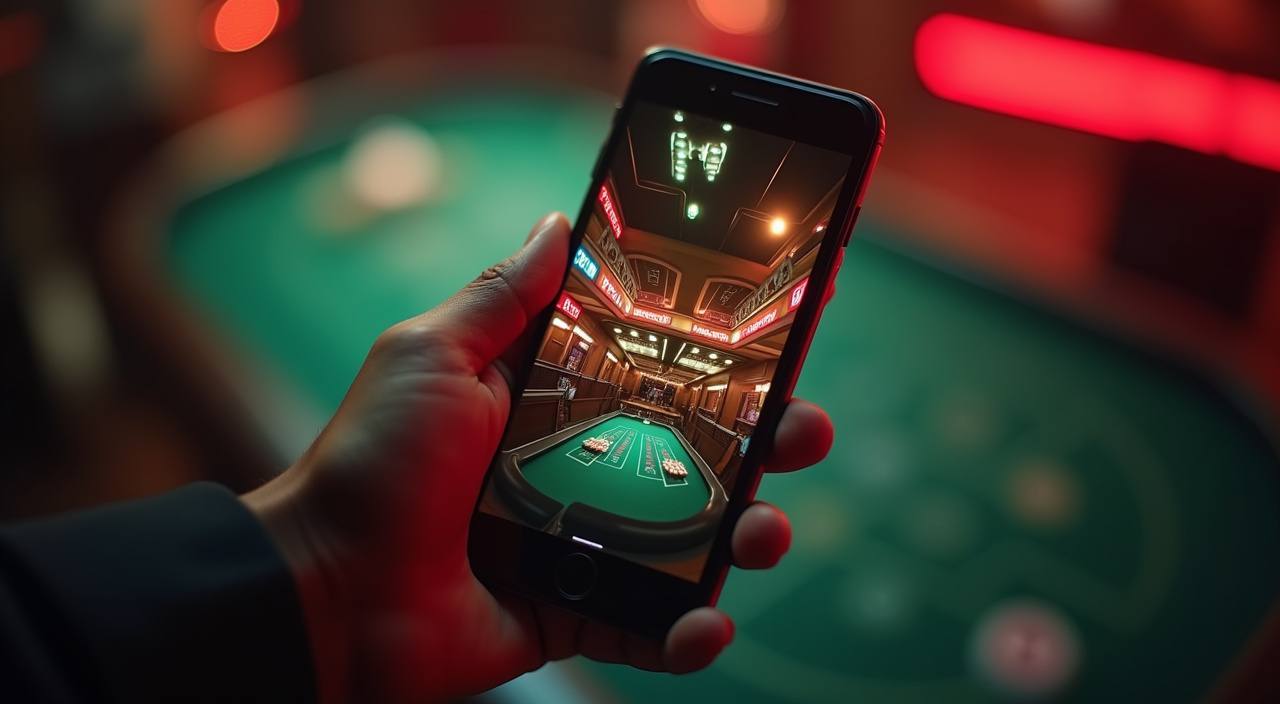

Mobile Access in 3 Simple Steps
There is no app store listing to search for right now — access works directly through the browser on your phone. Players in Dhaka and elsewhere across Bangladesh reach the Baccarat Fire tables and the Bangladesh Mobile Lobby 504 this way without any install barrier. Check the current verified site address first, because copied or phishing URLs will not load your real
account. Once you are on the correct address, the process below takes under a minute from a cold start to a live session.
- Open the current site address — Type or tap the verified f9991 address in your mobile browser. Confirm the URL matches what is shown on the official social or support channel before entering account details.
- Check browser compatibility — Chrome on Android and Safari on iOS both load the full lobby without layout breaks. If you see a stripped-down page, switch to one of these two browsers and reload.
- Sign in securely — Enter your account credentials or use fingerprint login if your device supports it. An OTP may be sent to your registered number as a second verification step.
- Add to home screen — Use your browser's Share or Menu option to add the site to your home screen. It will open full-screen like a native app without going through the browser address bar each time.